
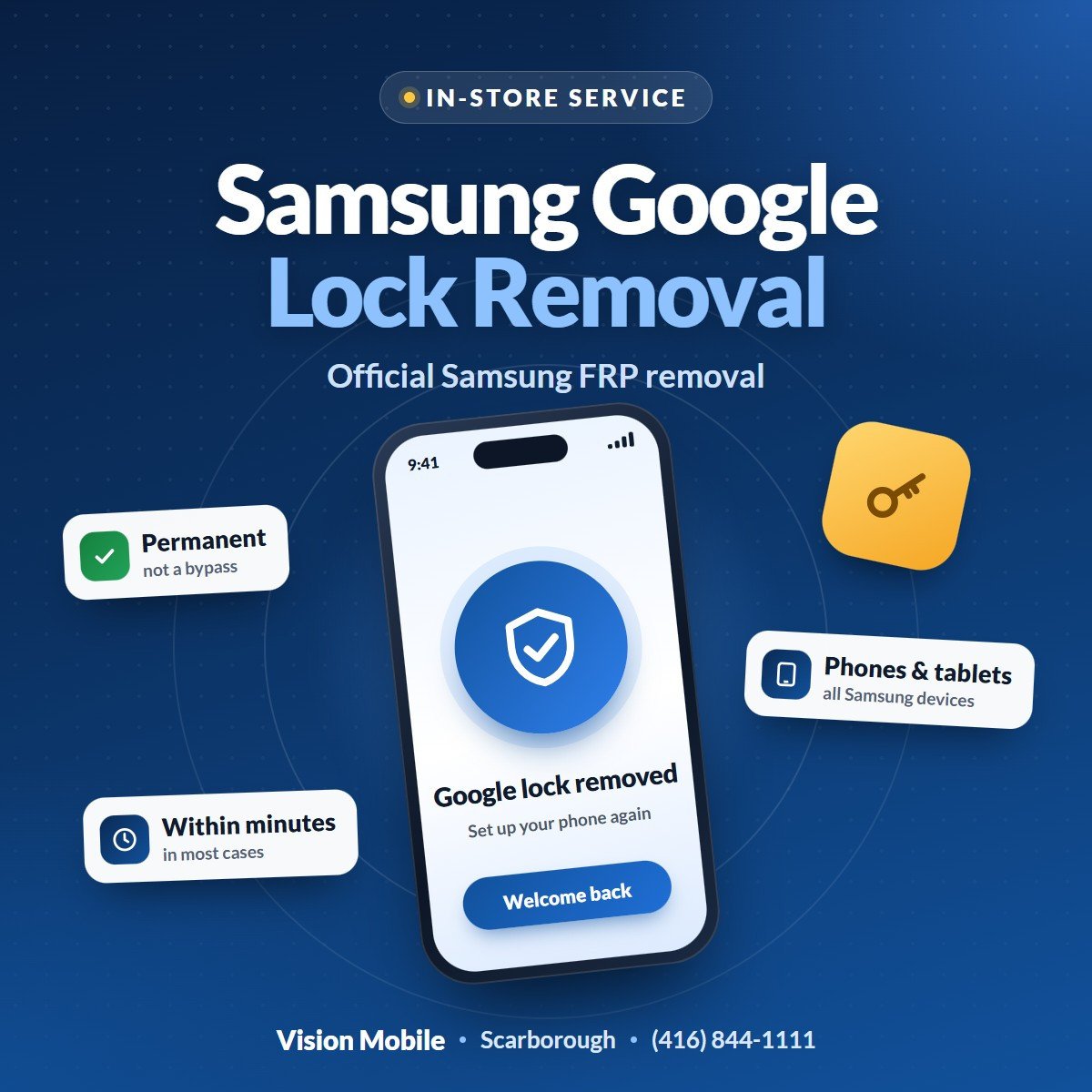
Samsung Google Lock Removal Service
$44.99
In stock
In-store service · While you wait
Locked out after a factory reset? We remove the Google lock (FRP) from your Samsung
- Permanent removal, not a bypass. Official Samsung FRP removal.
- All Samsung phones and tablets.
- Done within minutes, while you wait in most cases. Some models may take longer to remove due to the installation of new software security updates.
- Get back into your device once the lock is removed.
This service does not remove a blacklist. Please bring your device to our store.
Questions about this product?
Call, text or WhatsApp us at (416) 844-1111
-
See it in store
3341 Markham Road, Unit 119, Scarborough
-
Pay in store
Credit, debit or Interac e-Transfer






Description
Stuck on the Google account screen? We permanently remove the Google lock (FRP) from Samsung phones and tablets. This is not a bypass: it’s an official Samsung FRP removal.
In-store service. Please bring your device to us at 3341 Markham Road, Unit 119, Scarborough. In most cases we do it while you wait. Some models may take longer to remove due to the installation of new software security updates. Turnaround times vary by device model and software security requirements. We’ll provide an estimated time when you bring your device in for assessment.
The service
In-store
$44.99
- Permanent Google lock removal, not a bypass
- Official Samsung FRP removal
- All Samsung phones and tablets
What is Google lock (FRP)?
Google lock, also called FRP (Factory Reset Protection), turns on when a phone is factory reset without first signing out of the Google (Gmail) account. After the reset, the phone asks for that account and you can’t get in. We remove the lock so you can use your device again.
How it works
- Bring your Samsung Visit our store with the locked phone or tablet.
- We remove the lock Usually within minutes, while you wait.
- Use your device again Get back into your phone once the Google lock is removed.
What’s included
This service does
- Remove the Google lock (FRP) on any Samsung device, including Samsung tablets.
- Remove it permanently. It is not a bypass.
This service doesn’t
- Remove a blacklist.
- Remove a lease lock or MDM lock.
- SIM (network) unlock your phone. For that, see our Phone Unlock Service.
In-store service. Visit Vision Mobile at 3341 Markham Road, Unit 119, Scarborough, or call (416) 844-1111.
Only logged in customers who have purchased this product may leave a review.
You may also like
Reviews
There are no reviews yet.